
Know where your Chrome extension really stands
cwspy is a Chrome Web Store rank tracker: extension data and keyword positions, checked automatically, by search market — the rankings, growth, and competitor numbers your developer dashboard doesn't show.
No credit card · Add by extension ID or URL · No developer-account access needed
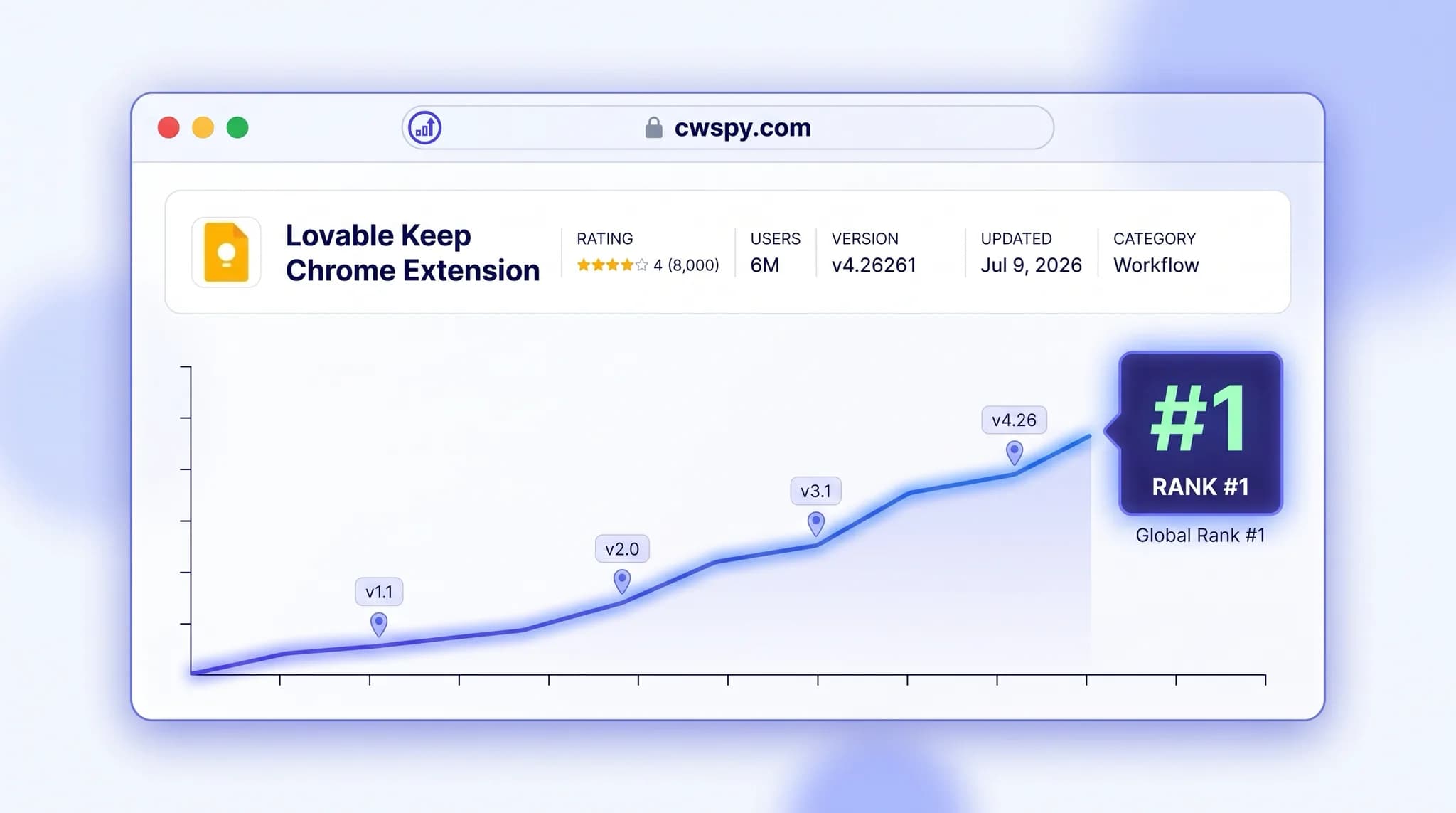
Your developer dashboard doesn't tell you this
You ship updates and watch numbers move, but the store console never explains why.
The official dashboard has no search-position data at all, and the public listing shows user counts only as ranges like "10,000+" — nothing watches the movement for you.
Rankings can drop without warning. Go from #1 to #29 and nothing tells you unless you're watching.
Chrome Web Store search is localized — your position in the US isn't your position in Germany — and generic SEO tools can't see Chrome Web Store search results.
Set it up once, then just watch
No spreadsheets, no manual checks — add your extension and its keywords, and the automatic sweeps do the rest.
Add your extension
Add keywords, pick a search market
Checks run automatically

Add your extension
Paste its Chrome Web Store ID or URL. No developer-account access needed.


Ready to see where you rank? Get started in a minute.
Start tracking freeEverything you need for Chrome extension rank tracking
Built for extension makers who want honest, up-to-date positions without the manual work.
See why your numbers changed
The extension page charts user growth with your version releases marked directly on the timeline, so a drop or jump lines up with what you shipped instead of a guess. Users dropped after v2.3 shipped — the chart marks that release date, so you know that's the likely cause, not something you have to dig for.
Keyword rankings by search market
Track search phrases for US, DE, and ES separately; positions are checked automatically for every keyword you track on the extension, with recent position history and a trend indicator per keyword. Your extension ranks #4 for "ad blocker" in the US and #17 for the same term in Germany — same extension, different market. Not ranked in the top 30 shows as "30+".
Store-listing snapshots, automatically
Users, rating, version, category, and featured status are snapshotted automatically, plus a manual refresh whenever you want an answer now. Full history is kept, not just the latest number — see the exact snapshot where your rating ticked up right after a version release, not just today's number.
Competitor Watch
Add a competitor's extension by ID or URL the same way you add your own; related-extension cards are pulled from actual Chrome Web Store search results, not a hand-picked list. Add a rival extension and see it show up on your competitor cards exactly as shoppers would find it in the store.
Built for everyone who ships to the store
Whether you build, market, or manage extensions — rank tracking fits the way you already work.
Ship an update and see the impact
Change your title, icon or description, then watch exactly how each keyword responds over the following days — no guessing whether it helped.
- Line up store-data snapshots with rank movements to see what a release changed
- Positions for every keyword on the extension are checked automatically — no manual re-runs after publishing
- Catch a keyword slipping out of the top 30 before it costs you installs
Frequently Asked Questions
Everything you need to know about tracking your rankings.
Start free — automatic snapshots and keyword checks, no spreadsheets.
Know exactly where you rank.
Contact Us
Question about tracking your extension's rankings? Send a message and we'll get back to you.
Let's Start a Conversation
Bug reports, feature ideas, or feedback on cwspy — we read every message and reply.
Have an idea to make it better?
We're always open to suggestions for tracking more, faster, and more clearly.
Found a bug?
Steps to reproduce help us pinpoint the issue and fix it fast.
Have a partnership idea?
Describe it in the form and we'll get back to you after reviewing it.